01
Face blur
Soften facial detail while keeping the scene easy to understand.
Or drop images here.
PNG / JPG / WEBP / AVIF · Batch upload · Max 5 MB each

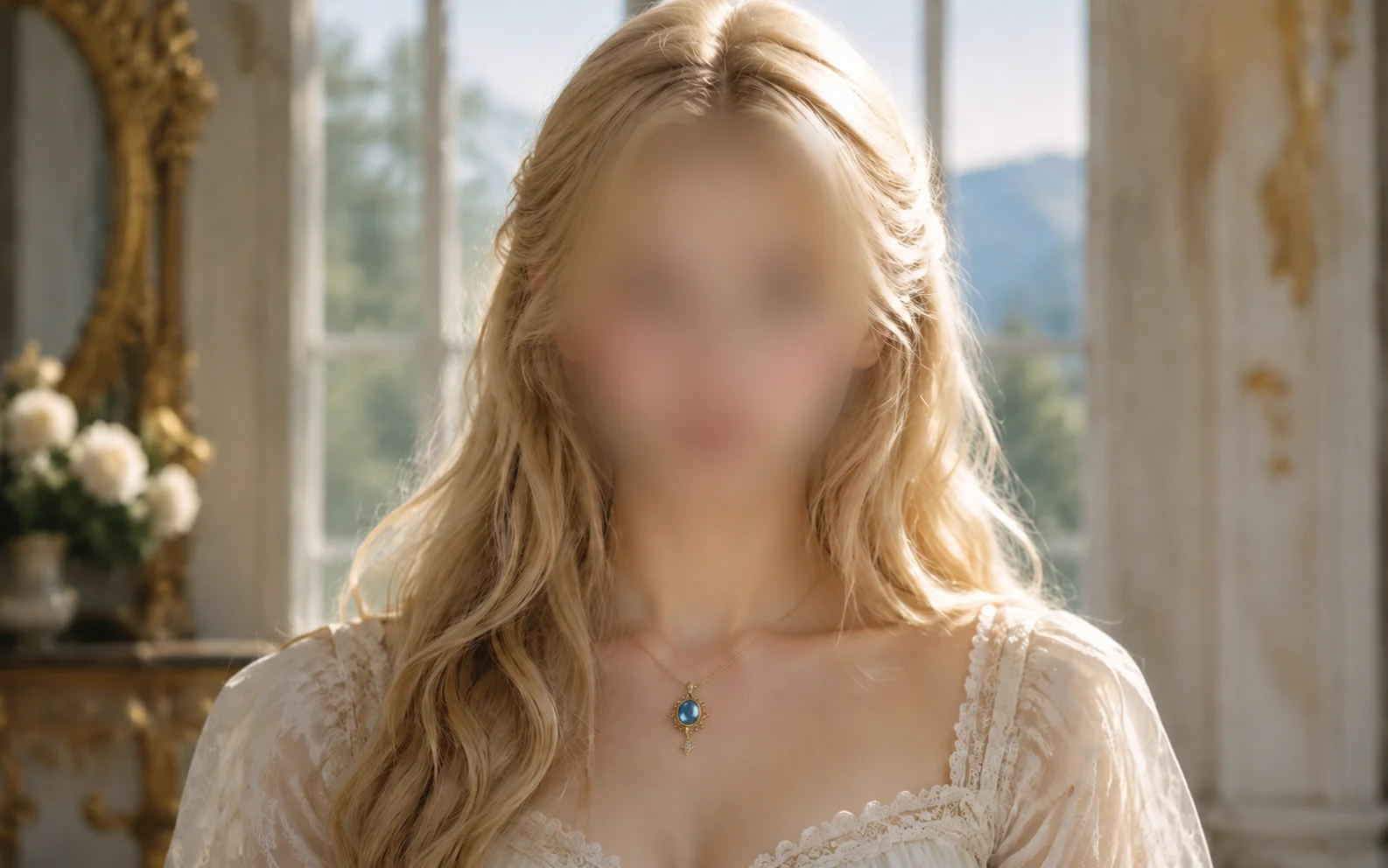
Hide faces before you post or publish
Compare the original and protected image side by side. If FaceBlur misses a face, catch it before sharing.
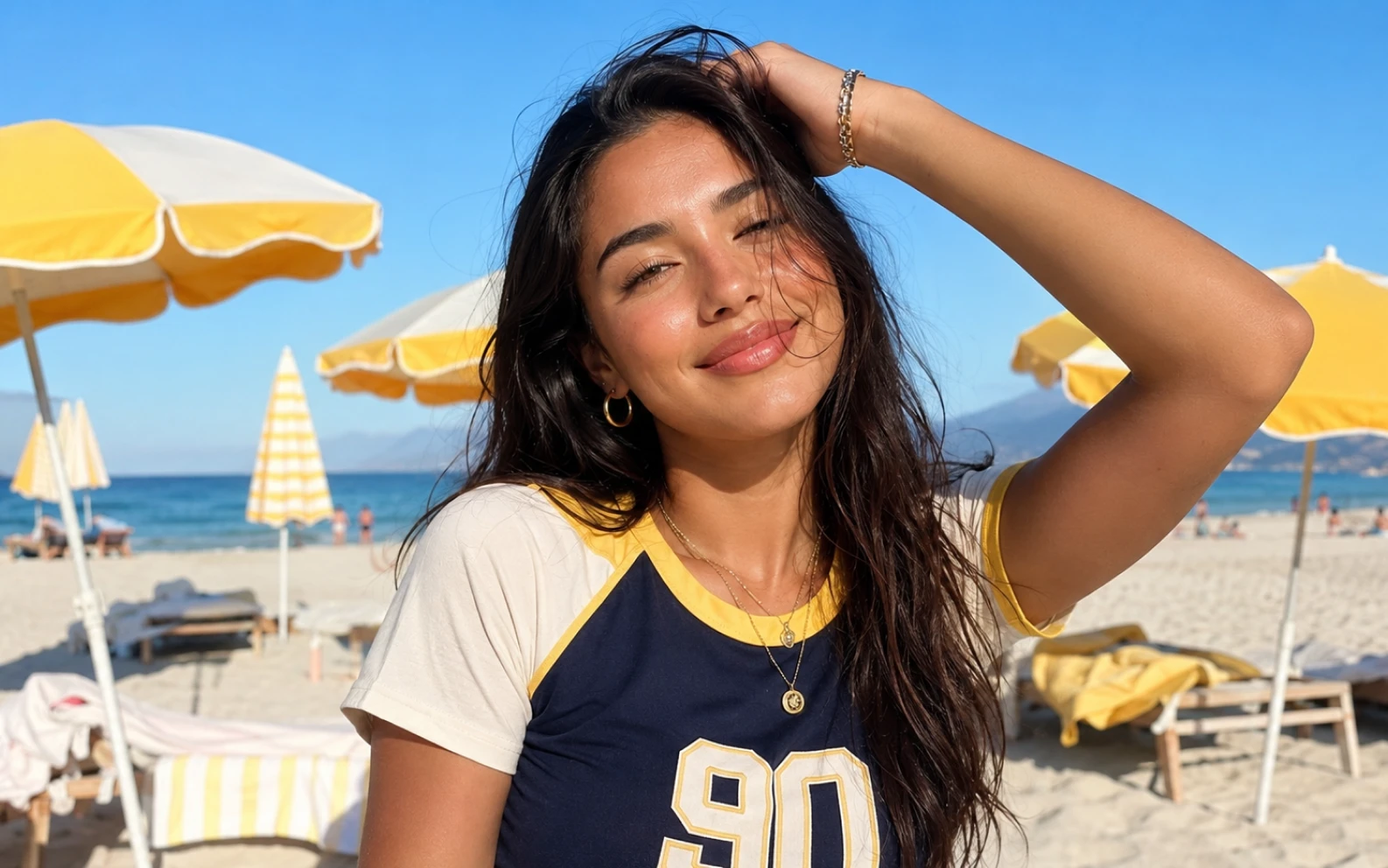
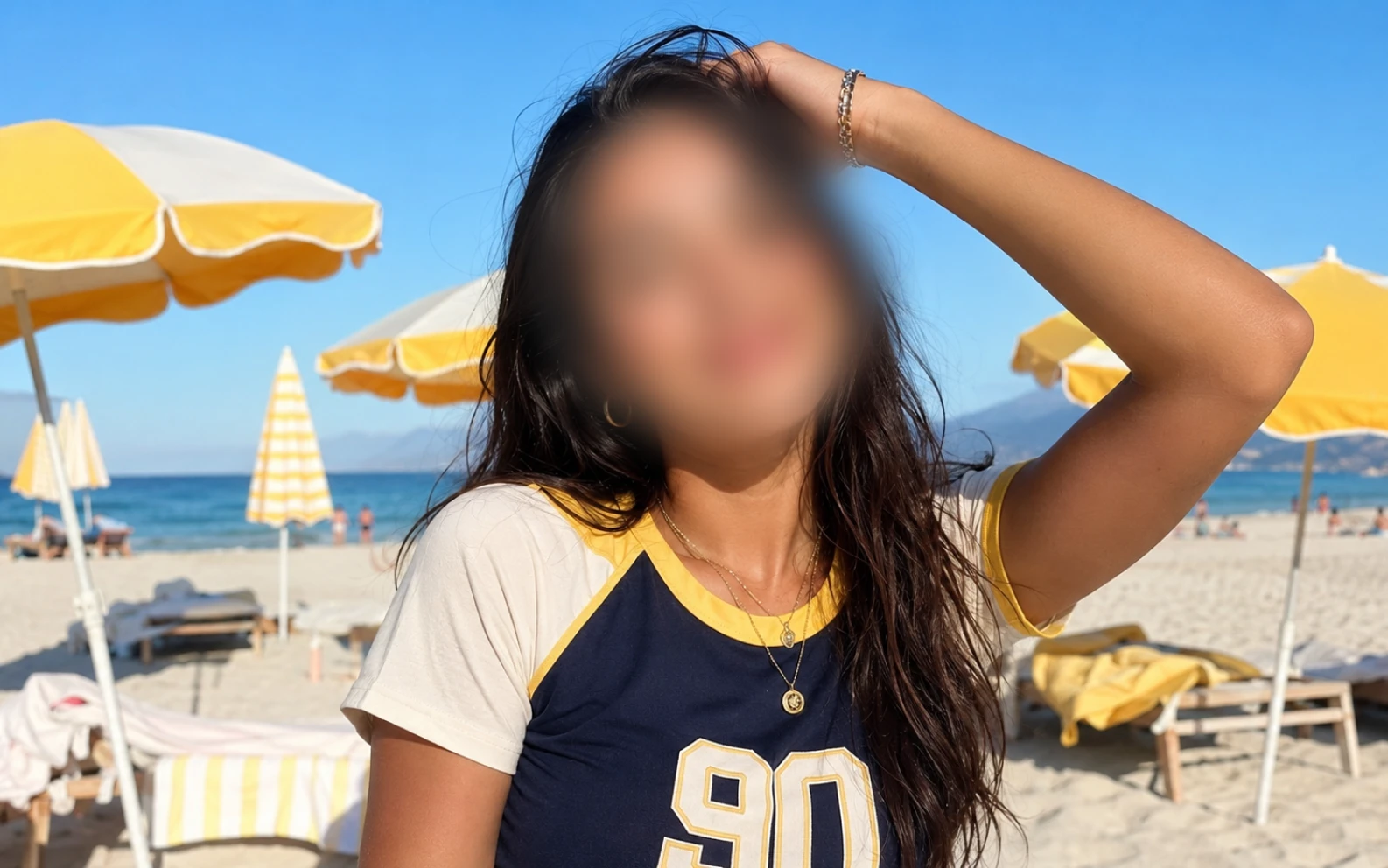
Soft face blur
Soften identifying detail while keeping the scene readable.
Upload the image, choose a mask, review the result, and download it from the same page. Open Uploads to return to earlier results.
Use face blur when you want the photo to stay natural, pixelation when the identity must be unmistakably hidden, and emoji masks for a clear social cover. Apply the option that fits each person, then review every detected face before downloading.
Face blur
Soften facial detail while keeping the scene easy to understand.
Pixelation
Use a stronger mosaic when a face needs more protection.
Emoji cover
Hide a face completely with a clear, friendly mask.
Selective protection
Cover only the people who need privacy.
Group review
Check each detected face in a crowded photo.
Change the mask
Switch protection styles until the result looks right.
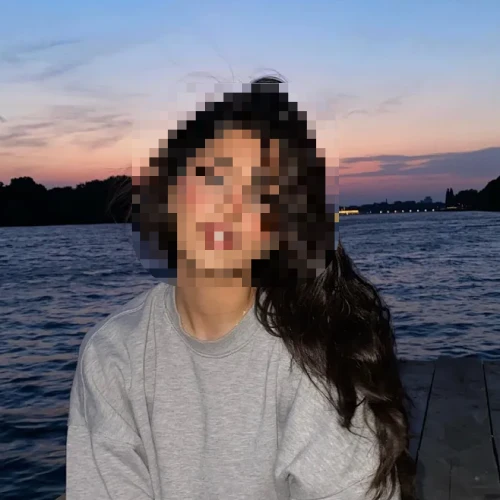
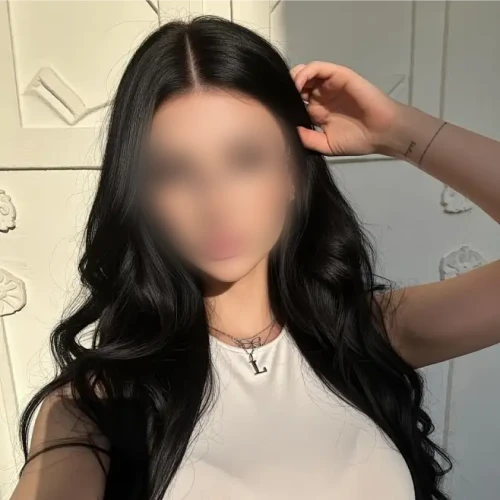
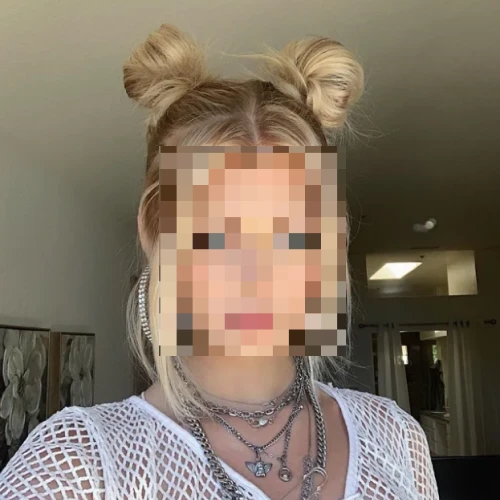
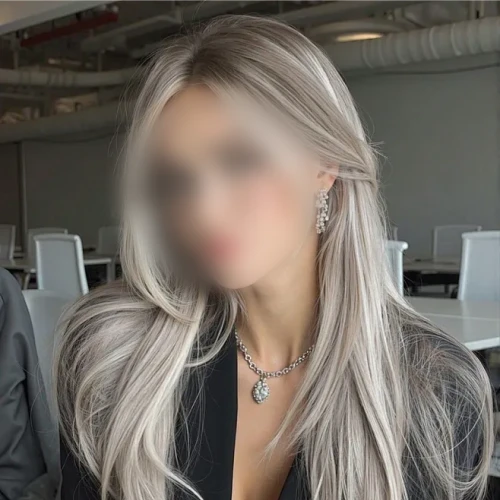
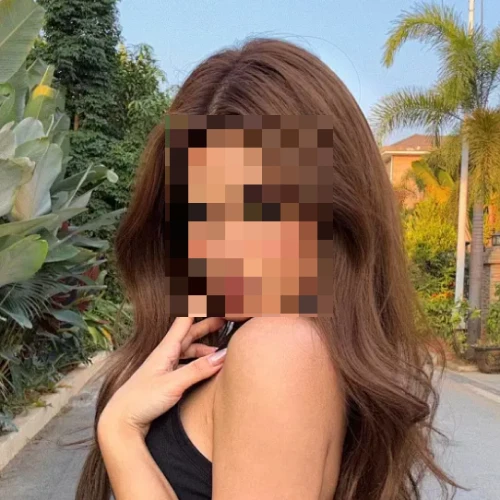
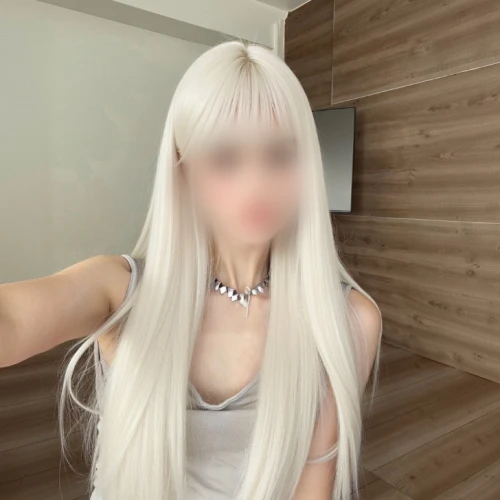
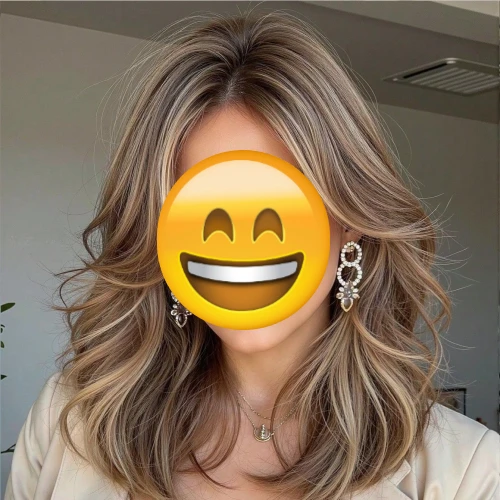
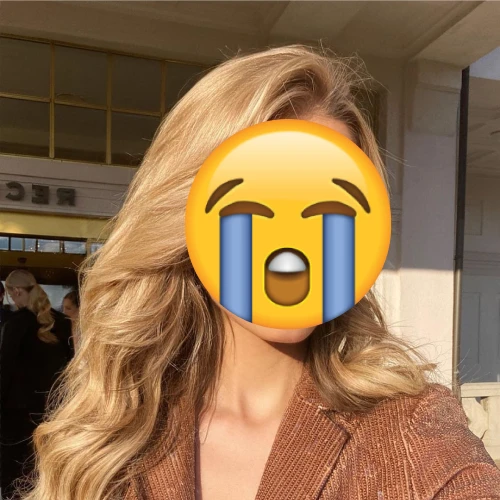
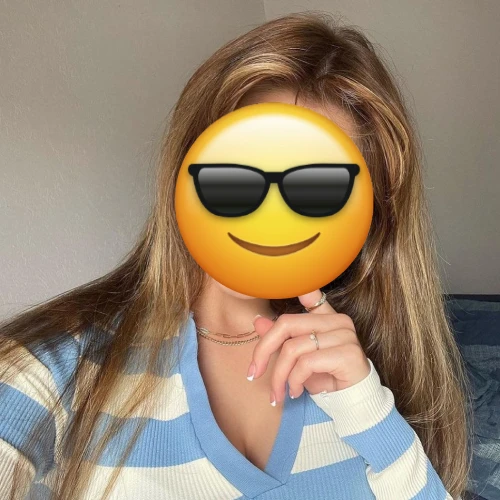
Cover the faces you choose while leaving the rest of the image intact. Keep the context without exposing the person. Read our privacy policy to see how uploaded images are handled.
Use FaceBlur for school events, reporting, research, team documents, and public posts.
Schools and communities
Event photos
Hide students and bystanders before publishing event photos.
Journalists and researchers
Sensitive material
Protect sources and vulnerable people while keeping relevant context visible.
Teams and creators
Everyday sharing
Remove identifying faces from screenshots, social posts, and shared documents.
Upload one image at a time so you can check every face before downloading.
Upload PNG, JPG, JPEG, WEBP, or AVIF images.
Yes. Review which faces are protected before downloading the finished image.
No. FaceBlur accepts still images, not video.
Each image should be 5.0 MB or smaller. If an image is too large, reduce the size and upload it again.
Use the protected image in posts, reports, school updates, research, or any context where identities should stay private.
Your protected image appears beside the original so you can compare and download it without changing pages.
Clear, well-lit faces usually work best. Small, angled, or partly covered faces should always be reviewed before export.